 Print
Print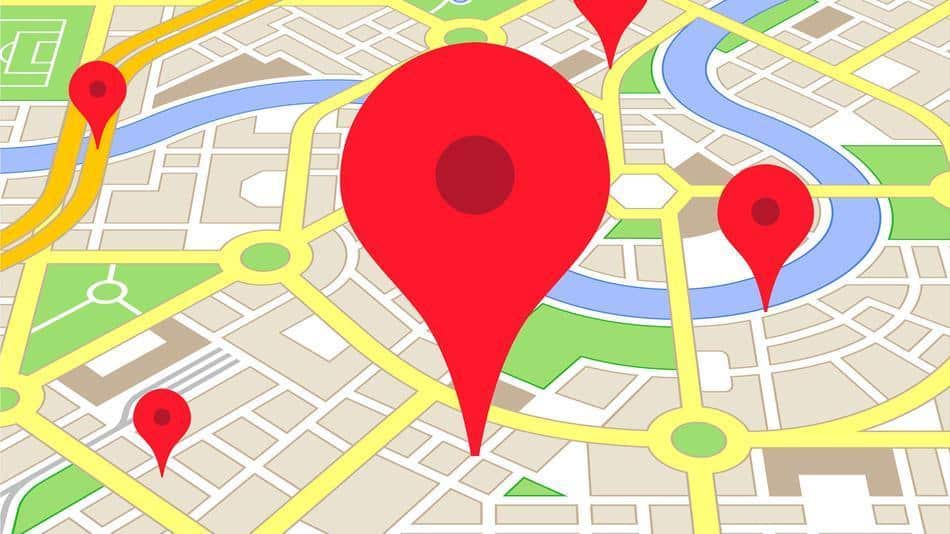
Private companies like Google now have the legal right to use the kind of spy satellite technology once reserved for agencies like the NSA.
Our homes have been on Google for years, but the detail was limited to objects no larger than about 20 inches. Last year the US Department of Commerce lifted restrictions that essentially allow companies like Google and Microsoft (which owns Bing) to show images to the world as small as 12 inches.
That means they can use pictures of your property with far greater detail – potentially showing features like the color of your mailbox, objects sitting in your backyard, and even the types of plants growing in your garden.
“You can actually definitely see (car) windshields,” DigitalGlobe’s Kumar Navulur told Gigaom.com. DigitalGlobe is one of the satellite companies using the new technology. “We can actually tell you whether it’s a truck or an SUV or a regular car. We can identify pictures of a baseball diamond.”
Imagery taken is now for sale at DigitalGlobe’s website.
Learn How To Become Invisible In Today’s Surveillance State!
If that was not disturbing enough, Google paid $500 million for SkyBox Imaging, a company that provides real-time high resolution pictures. Google plans to add Skybox imagery to Google Maps.
What does all this mean? It is going to be easier than ever for companies to take detailed pictures of your property.
The bad news is that, so far, it is impossible to hide your home from these next-generation eyes in the sky. The good news, though, is that all of the major mapping websites – Google, Bing and Yahoo – allow you to blur your home on their “street view” images, which often provide even more detail than satellite images.
It’s not uncommon to see pictures of families playing in their yards or children walking the dog – right there on Google Maps for the world to see. Google’s computers are programmed to “blur” faces and license plates, but they don’t catch everything.
Below you will find directions on how to blur your home on the street view functions of Google Maps, Bing and Yahoo. It only takes a few minutes for each one.
Google Maps
- Visit Google.com/maps and enter your home address.
- Look to the lower-right of the screen. You should see a little icon that looks like a yellow person in the tool bar.
- Click on that icon and drag it over to your address location on the map to access Street View.
- The map should be replaced by a picture of your home or business. If you don’t see your home, then move up and down the street or rotate the picture until you do. (If it still doesn’t work, then Google may not have an image of your home.)
- Click on “report a problem” on the bottom-right.
- Follow the directions, and fill out the form.
An Amazing Breakthrough In Compact Portable Backup Power — Easily Fits In Your Pocket Or Backpack!
Bing Maps
- Visit Bing.com/maps and enter your home address.
- From the top of the map, drag the blue icon that looks like a person to your street. (Note: Bing requires installation of a program, Silverlight. If you street does not turn blue when dragging the “blue person” icon, then your house has not been photographed for Bing’s maps.)
- Click on the question mark at the bottom-right of the screen.
- Click “report an image concern.”
- Request that your home be blurred.
Yahoo Maps
- Visit Yahoo.com/maps
- Drag the gray icon that resembles a person (top-right) to your street. (If it won’t drag, then your street has not been photographed for Yahoo.)
- Click on “report image” at the bottom-left of the screen. It will take you to a different website.
- Click on “request blurring,” and follow the directions.
Beyond these steps, it is wise to follow up after several days or weeks to make sure your home has been blurred.
Do you have any advice or questions? Share them in the section below:
Get $367.52 Worth Of Survival Blueprints … Absolutely Free!